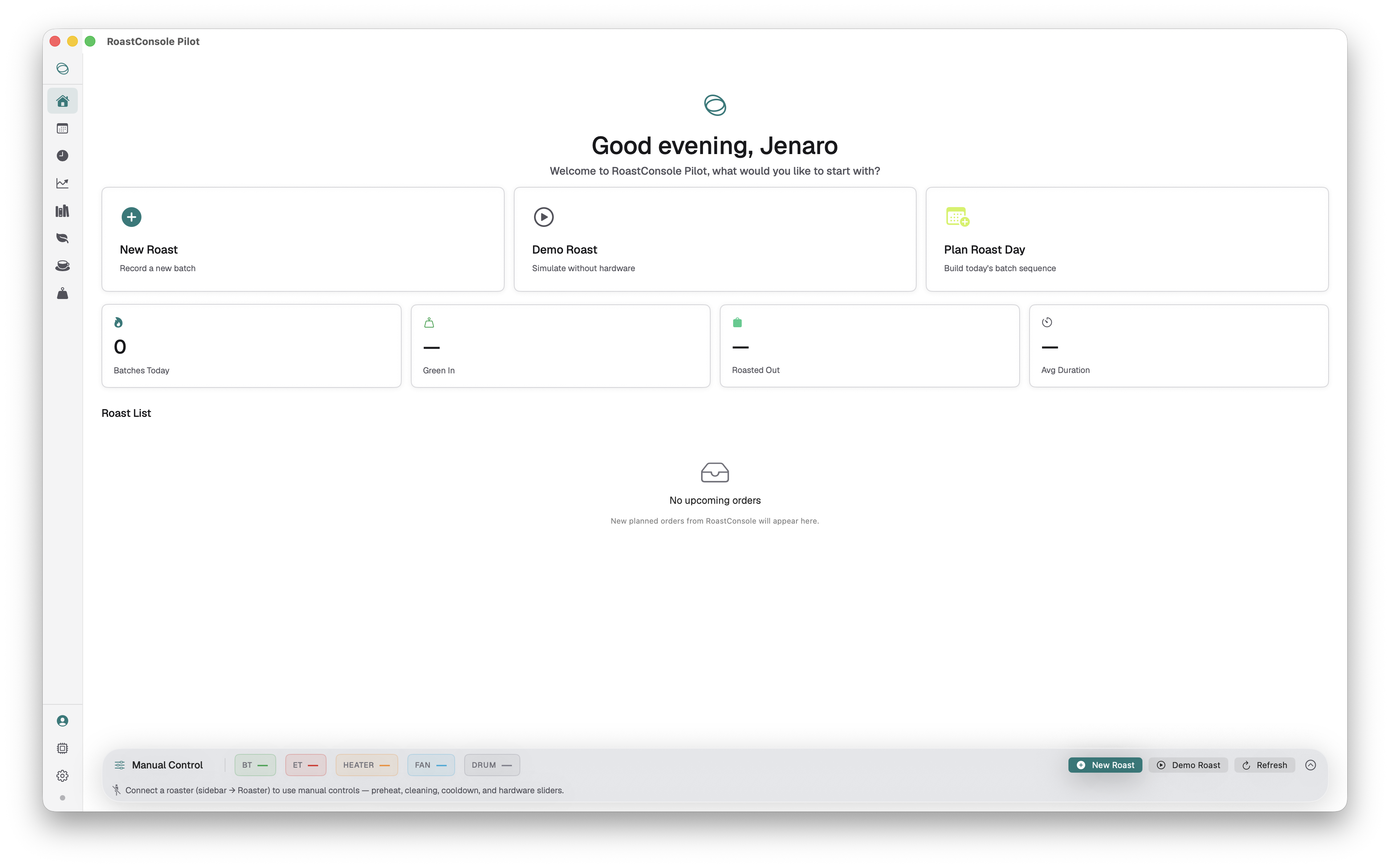
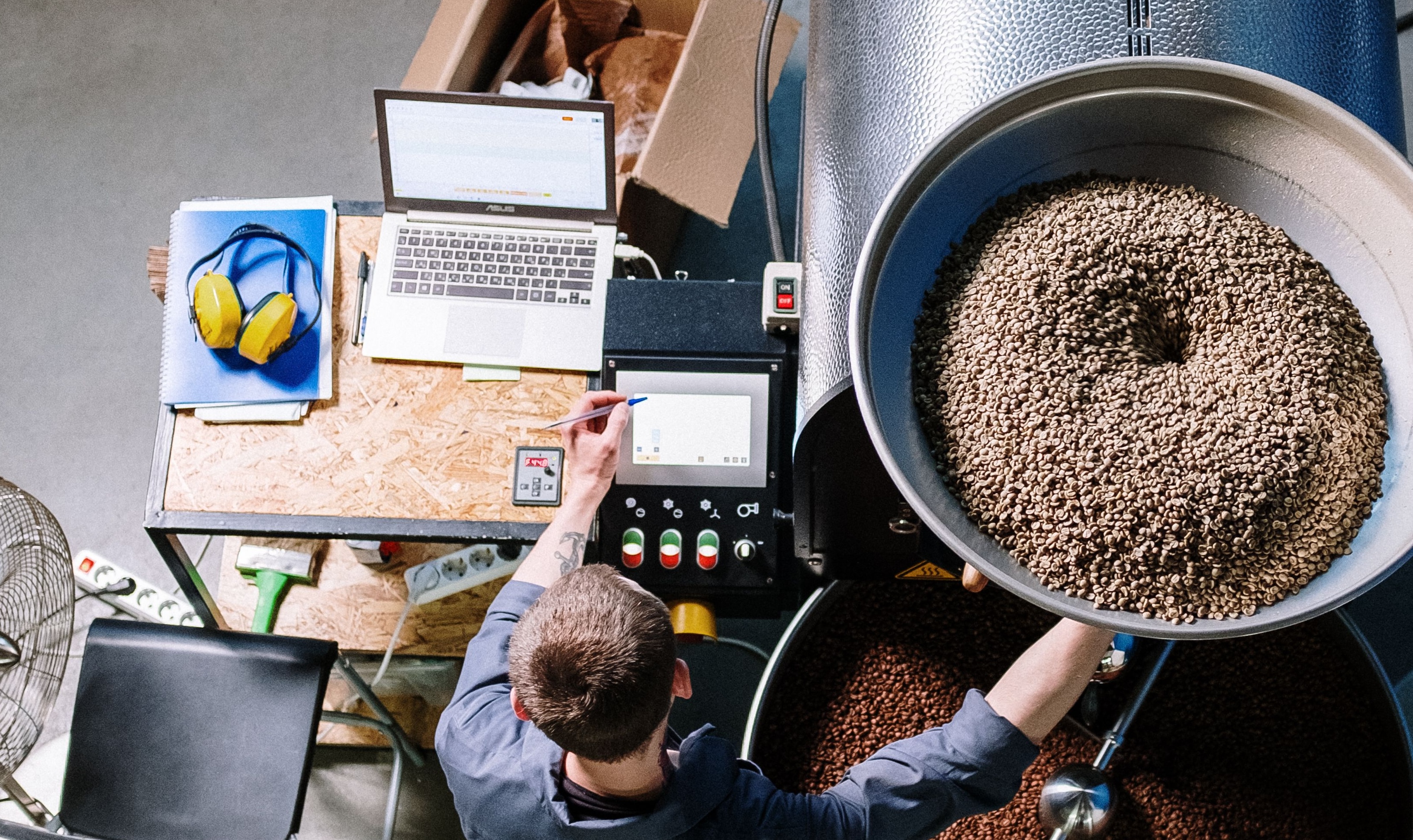
Exciting news! Roast Console is now live and ready to download on the Apple Store
You can design target curves, save them as repeatable profiles. Version every change, so the roast that made your best cup is the one you run again
Get started
Get started
Reusable profiles
Save target curves with their control points, then load one onto a new roast as the reference to follow.
Version control
Every change is versioned, so you can refine a profile over time and still return to the one that worked.
Templates & favourites
Start from templates for common roast levels, star the profiles you reach for most, and drag them into place.
The profile studio
Adjust the control points and the curve redraws with smooth interpolation, so a profile reads the way the roast actually moves, not as a set of straight lines between dots.

Compare versions side by side and roll back to an earlier one whenever a change does not land. Nothing you tried is lost, and nothing you liked is hard to find again.
See How
See How
Rate of Rise always in view.
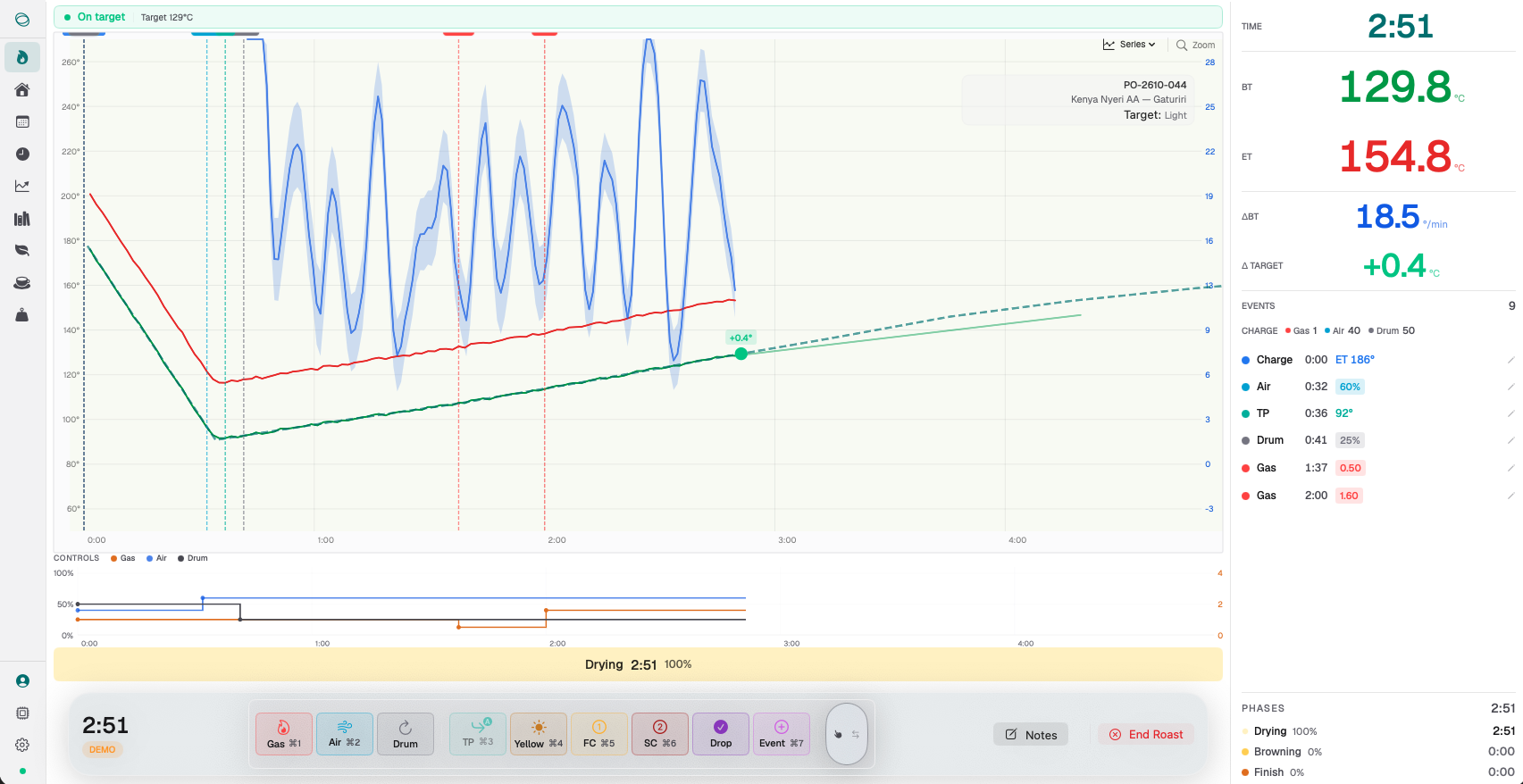
Rate of rise sits alongside the temperature curve and updates with it. You watch the climb steepen after the turning point and ease through development without reading it off a separate gauge. When it starts to flatten, you see it on the line before you feel it in the cup.
See How
See How
Reference profiles underneath your roast lines.
Load a past roast or a target profile and it sits behind the current one. The live curve runs over the top, so the gap between where you are and where you meant to be stays visible the whole way through. You roast against the profile instead of from memory.
See How
See How
Roast Console Mobile
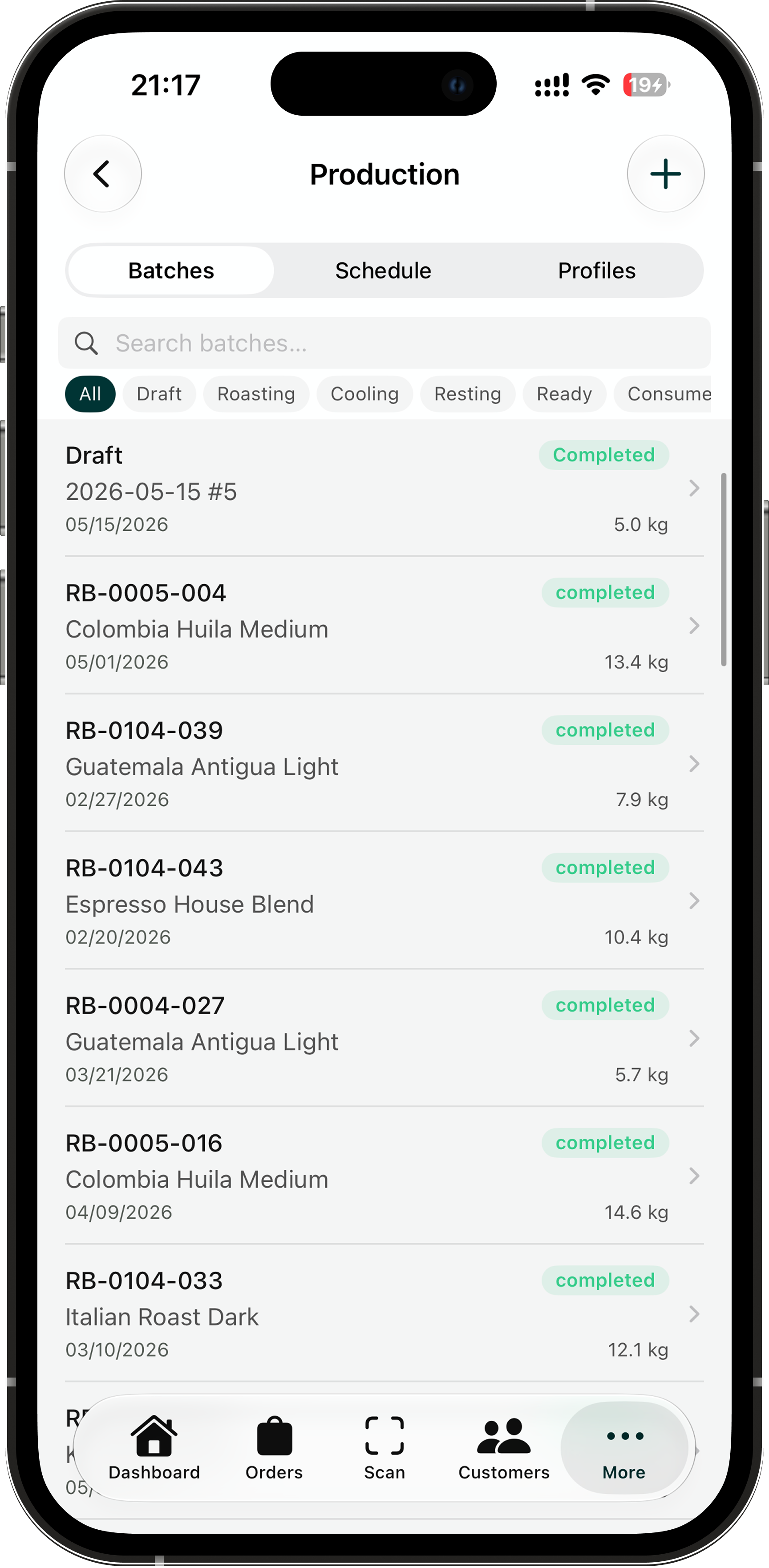
All your data now available on the go with Roast Console Mobile.
Download Roast Console Mobile
Adjust the control points and the curve redraws with smooth interpolation, so a profile reads the way the roast actually moves.
Compare versions side by side and roll back to an earlier one whenever a change doesn't land.
One platform, built for roasters by roasters.
Native macOS app — roast live on the bench, built for the way roasters work.
One connected platform — production, inventory, sales, and finance stay in sync.
Traceable end to end — every bag tracks back to its roast and its green lot.
Secure by design — encryption, granular access controls, and regular security reviews.
Roast profiles
Dial it in, then keep it
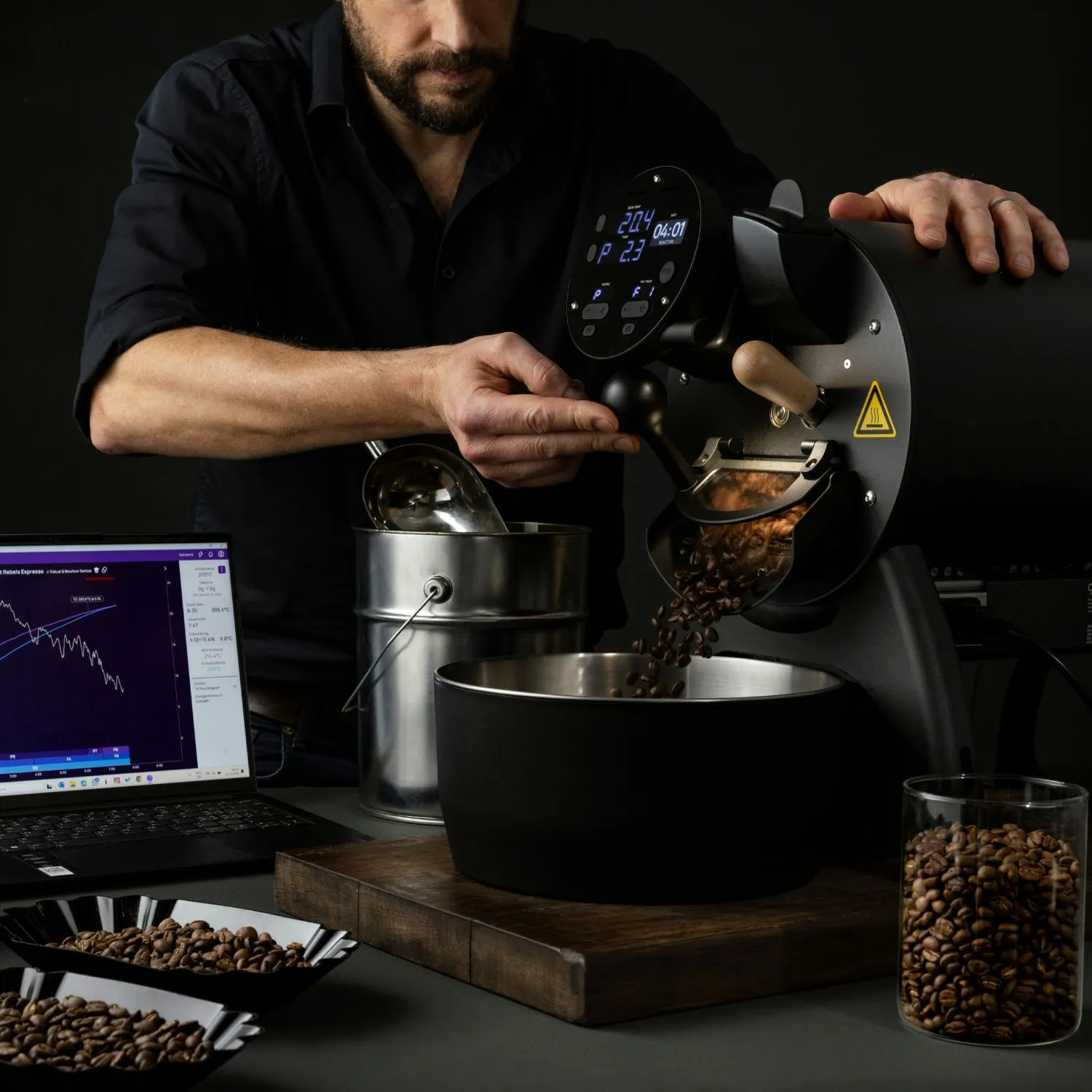
Roast Console captures the curve behind every batch, so a great roast becomes a profile you can load, repeat, and refine over time.
Version every change — compare runs and see exactly what moved the cup.
Roast to a target — load a saved profile and follow it live, batch after batch.
"The most accurate referece profiles"
Customer Stories
Customer Stories
Built into Roast Console. Every roasting tool you need, with no add-ons or upsells.
Real-time dashboard
Rate of rise
Phase detection
Target overlays
Version history
Profile templates
Keyboard shortcuts
Works offline
Unlimited users
Bank-level security
Access on any device
Real-time collaboration
AI-powered suggestions
Seamless integrations
24/7 customer support
Customizable dashboards
Unlimited users
Bank-level security
Access on any device
Real-time collaboration
AI-powered suggestions
Seamless integrations
24/7 customer support
Customizable dashboards
“I can pull up last season's profile and match it without re-learning the roast.”
Add a customer name
Roastery name
Import & export
Bring your profiles with you
Import roast curves from Artisan and Cropster, export any profile or session as CSV or JSON, and keep your library in an open format.
See more
See more
Frequently asked questions
What is Roast Console?
chevron down icon
Roast Console is software built for specialty coffee roasters. A native macOS app handles live roasting and profiles, while Roast Console Cloud runs the rest of the roastery from production planning, green inventory, quality, sales, and fulfillment. All in one connected platform.
What is the difference between the app and the cloud?
chevron down icon
The app is where you roast: live bean and air temperature, rate of rise, profiles, and cupping. The Cloud is the back office: planning, inventory, orders, invoicing, and dispatch. They share the same data, so a roast on the bench flows straight through to stock and sales.

Does Roast Console integrate with my existing tools?
chevron down icon
It connects to Stripe, Shopify, and Square, with webhooks and a full API for everything else in your stack.
Is it right for a small roastery?
chevron down icon
Yes. It works for a single roaster dialing in profiles and scales to multi-site operations running wholesale and fulfillment together.
Is Roast Cloud secure?
chevron down icon
Yes, you can count on encryption in transit and at rest, granular access controls, and regular security reviews keep your roasting and customer data protected.
How do I get started?
chevron down icon
Choose a plan or book a demo, and you can bring your profiles, green inventory, and customers in to get going.
Is there a free trial available?
chevron down icon
Yes! We offer a free trial so you can explore Roast Console’s features before committing.
Get started
Get started
If you have any further questions or just want to reach our team, click the button below.
Contact us
Contact us